Join Iran vACC Discord Server
- Go to https://community.vatsim.net/login and log in with your VATSIM account.
- Click your profile picture (top right) → Settings → find Discord section → link your Discord account.
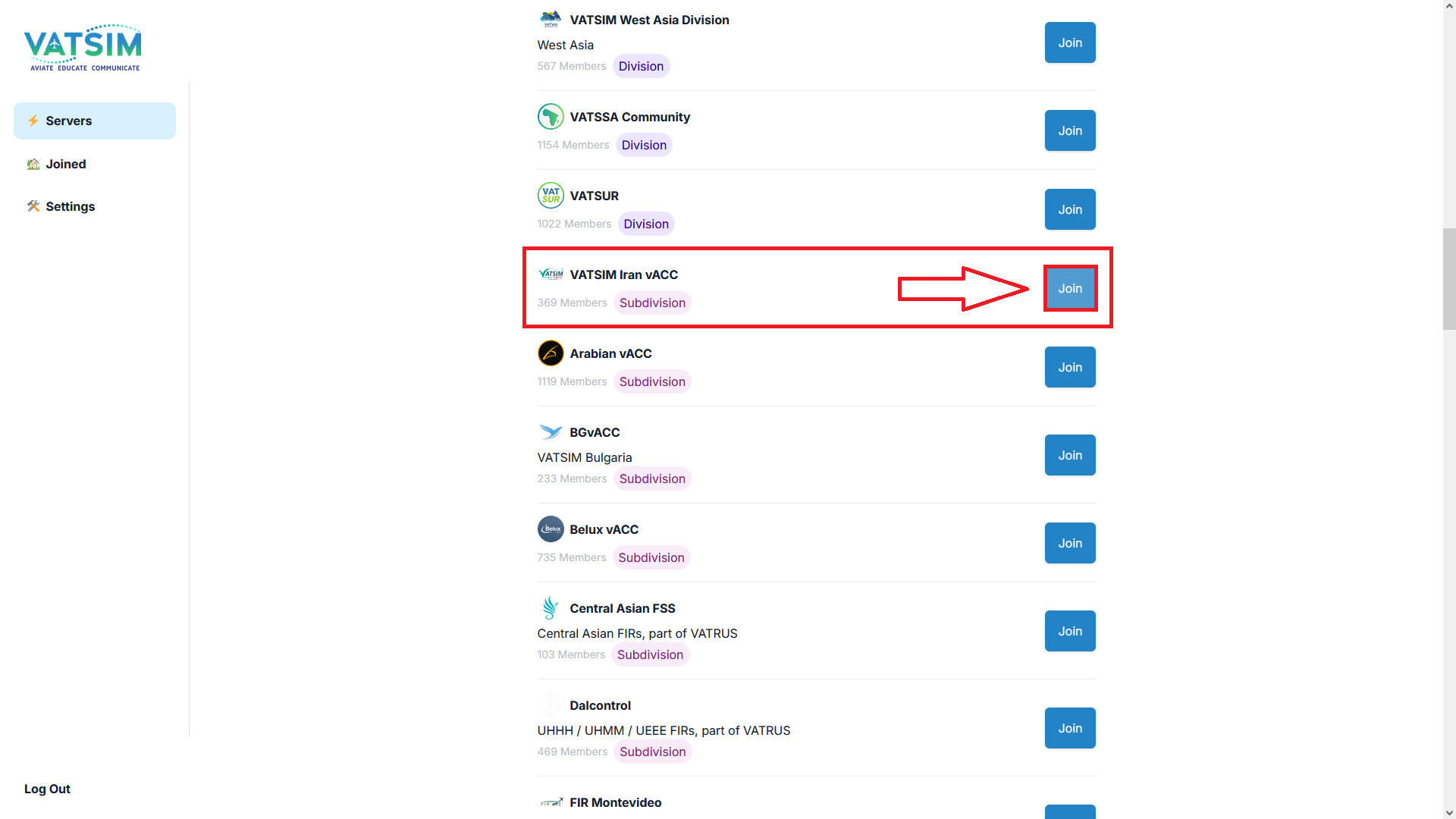
- Go back to the main menu and click Servers.
- Find VATSIM Iran vACC in the list.
- Click the Join button next to it.
That's it. You'll be added automatically.
Troubleshooting: - Make sure your Discord is linked before clicking Join - If you don't see the server, refresh the page - Contact Iran vACC staff if the button doesn't work